
The El Paso County Court Calendar
The El Paso Odyssey Public Access search offers a Court Calendar area apart from case records. You can search it by case, attorney, judicial officer, or party and defendant name. That split matters. A case record is a running index of filings and events. The calendar holds only what is scheduled. Check both when you can. The docket may show a reset, notice, or order. That entry could have changed a hearing the calendar still lists.
El Paso County runs several court types. They include district courts, County Courts at Law, probate courts, Justice Courts, and municipal courts. Their settings do not sit on one universal calendar. Individual court pages add coordinator contacts, standing orders, hearing-request forms, and sometimes remote-proceeding links. No countywide refresh schedule, result limit, or maintenance window is published. A live result helps, but confirm any setting that affects attendance with the assigned court.
El Paso Odyssey Calendar Routes
Four calendar routes are documented on the official Odyssey help page. Case search works best with a cause number. Party or defendant name helps when the number is unknown. Attorney search gathers settings tied to counsel. Judicial Officer search narrows work under one judge. Required fields shift by route. They show in bold red with a red plus sign.
Odyssey sometimes requires web verification before search results load. Date and court dropdowns may vary from visit to visit because of it. Is the portal blocked or empty? Write down the full case number, party name, assigned court, and old setting before calling. Those facts give the clerk or coordinator a clear start.
The official Odyssey access screen appears here.
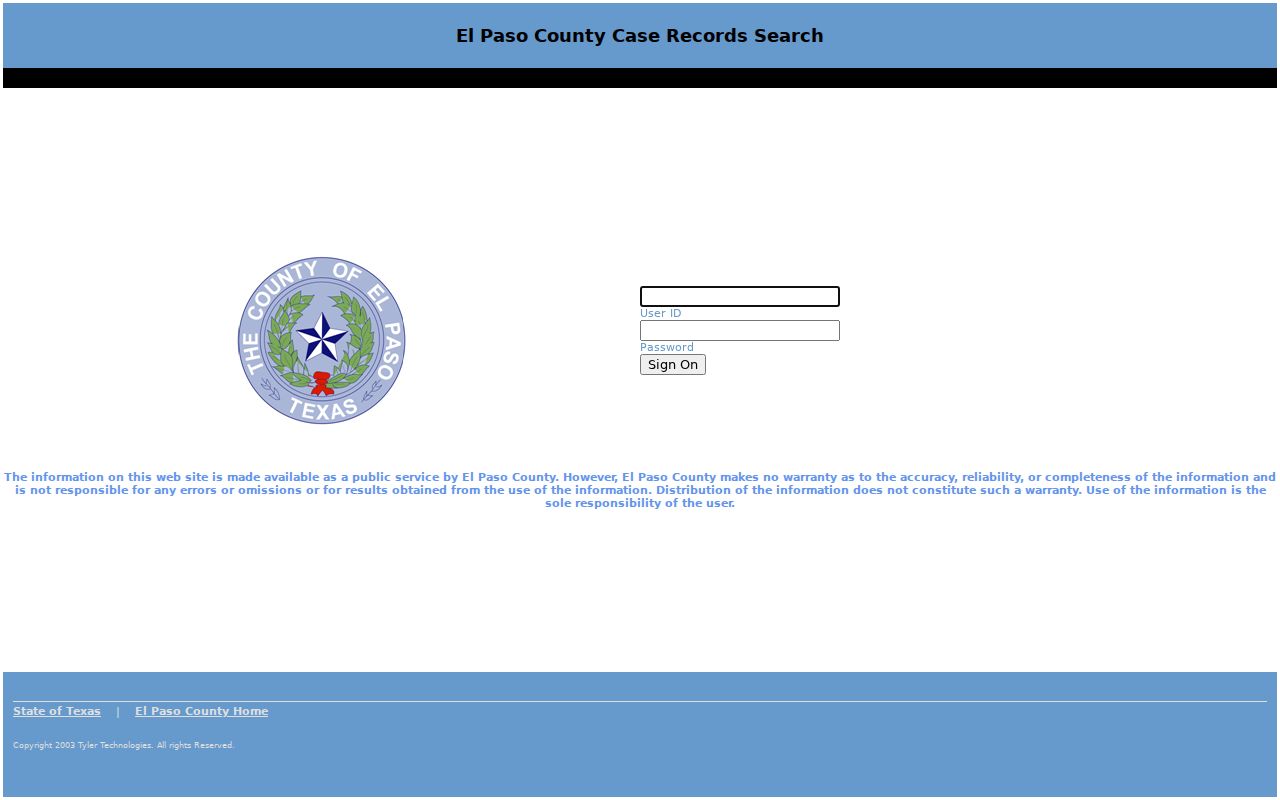
Odyssey keeps its access and search views separate. That is why a saved calendar link may act differently from a case-detail page.
How to Find Your Court Date
Work through the channels in order. Online search is fast, but the responsible court is the best source when a setting changes late. Clerk custody in El Paso County is split. District cases sit with the District Clerk, county-court-at-law matters may sit with the County Clerk, and Justice or municipal matters stay with the lower court.
- Open Odyssey’s Court Calendar and choose attorney, case, judicial officer, or party or defendant name.
- Open the case number and compare the result with the newest setting, notice, reset, or order.
- Check the court page for a standing order, hearing form, coordinator line, or remote-hearing rule.
- Call the District Clerk at 915-273-3534 or County Clerk at 915-273-3532 when that office holds the case.
- Ask the counter at 500 E San Antonio about inspection or an available public terminal.
- Use re:SearchTX as a supplemental statewide layer.
El Paso Coordinators Confirm Settings
When a setting looks wrong, a court coordinator is the practical fallback. The El Paso County Courts Directory routes you to each numbered court. Those pages often post contacts, forms, standing orders, and remote-hearing notices. A coordinator can tell you what a listed time really is. It may be a docket call, an individual hearing, a trial setting, or a remote appearance.
Call with the cause number, court number, party name, date, and setting type in hand. Ask which signed order or new notice controls. Staff can share schedule facts. They cannot advise which motion to file or plea to enter. If counsel is on the case, counsel is the first call for attendance and strategy.
Reading an El Paso Court Setting
Read a setting as a set of linked facts, not just a date. The expected fields come from the county calendar model and court pages. Exact labels may differ in the current portal. Verify there. A newer docket event or signed notice can supersede an older calendar line.
| Date | The scheduled day, checked against later notices and resets. |
|---|---|
| Time | The call or hearing time, which may not be an individual trial start. |
| Courtroom | The room, floor, building, or remote location. |
| Judge | The judicial officer or assigned numbered court. |
| Setting Type | Arraignment, announcement, pretrial, motion hearing, or trial. |
El Paso Calendar Terms
A setting names the purpose of an appearance. Local orders control the exact task. These terms separate events that look alike in a short result row.
- Arraignment
- A criminal appearance for a plea and related steps.
- Announcement
- A status setting where parties report readiness.
- Motion hearing
- A setting on a filed request that needs a ruling.
- Docket call or sounding
- A grouped calendar where several cases may be called.
- Reset
- A new setting that follows or replaces an earlier date.
Remote participation is court-specific. A link alone does not prove permission to appear online. Confirm the mode and follow that court's standing order.
Resets, Continuances, and Cancellations
A reset gives a case a new date. A continuance moves a matter through a court-approved change. A cancellation is different. It wipes the listed event off the calendar without dismissing the case. None of these words tells you the final outcome. After any of them, pull up the El Paso County docket again. Look for a notice, an order, or a later setting past the old date.
Trust the live record, not a saved copy from earlier. Do entries conflict? Is the courtroom unclear? If so, or if a remote hearing link stops working, call the coordinator. Asking for a continuance does not grant one. Before you skip the original court date, get the operative order. Or hear it straight from court staff.
Empty El Paso Calendar Results
A blank screen is not the final word on your El Paso County docket. Verify the court layer first. A city citation may live in FullCourt. A Justice case may use county ePay or the precinct clerk. A federal case belongs in PACER. Odyssey is only a first stop for civil, family, probate, and county calendar records. It is not the whole El Paso County docket.
Search the full cause number first, then party, attorney, or Judicial Officer. The help page allows Soundex for close names. It also allows a trailing wildcard for partial values, though it warns against combining the two. Still nothing? Call the clerk, counter, or coordinator. When a court date is near, write down who confirmed the answer.
Note: El Paso County sources post no single refresh schedule, so confirm same-day changes directly.
What To Do If You Miss a Setting
Act fast once a missed setting comes to light. Reach the assigned court, the clerk, and your counsel. Give them the cause number, party name, court, date, and setting type. Ask what the docket shows now, and whether the judge entered an order, warrant, bond action, default, dismissal, or new setting. The outcome hinges on the case type. Do not count on a new date arriving by mail.
Missed a setting? A missed date may lead to a warrant, bond action, default, dismissal, or another order.
Call the assigned El Paso County court and counsel promptly, then follow the court’s stated procedure.
Legal advice about a missed setting should come from a licensed attorney, not clerk staff.
El Paso Remote Hearing Rules
The main calendar will not tell you how to appear. Check each court's own page. The 210th District Court and the 383rd District Court each publish standing orders, forms, contacts, and remote details for their courtrooms. Another court may follow entirely different steps.
Confirm whether a setting is in person, remote, or hybrid. Check the time, meeting instructions, display-name rule, and filing deadline. Ask for an interpreter or accommodation ahead of time. A remote link is just access information. It does not prove the setting is still live.
El Paso Courts Use Separate Calendars
The court number and case type spare you most date errors in an El Paso County docket search. The current county directory lists 16 district courts. It also lists County Courts at Law, county criminal courts, two probate courts, and a Jail Magistrate. Justice Courts are spread by precinct. Municipal courts serve the incorporated cities. Searching by name alone can return a plausible match in the wrong court. Compare the cause number and assigned court against the notice in hand.
The clerk split follows the case type. District civil, family, and felony settings live in the District Clerk's records. County-court-at-law misdemeanor and probate-civil matters belong to the County Clerk. A Justice Court or municipal ticket sits below that split. When a calendar result names only a numbered court, the county courts landing page links Court Administration and the court directory.
The courthouse is a multi-floor building, not one docket counter. Suite listings make the point. The 210th District Court sits in Suite 1005. The 383rd sits in Suite 1101. Probate Court 1 sits in Suite 1201, County Court at Law 3 in Suite 1001, and County Court at Law 6 in Suite 1106. Confirm the court number before you go. Check current suite details and entry rules on the official court page. Parking, security, transit, and recording rules are not published in one place. Do not rely on an old visit for those.
Request an interpreter, disability accommodation, or hearing access from the responsible court before the setting. A jury summons controls jury reporting, and a general calendar result cannot replace it. For a date that is close, use the live docket, the served notice, counsel, and the coordinator together. Each source answers a different part of the question, and the assigned court can resolve conflicts.
Note: When an older online setting conflicts with a served notice, always follow the newest court instruction.