
How to Search Civil Dockets
Open the official El Paso County Records Search first. Then pick the Odyssey Civil, Family, and Probate Case Records area. You can search by case, party, or attorney there. A full cause number gives the narrowest route to the court docket. Party searches accept name fields, Soundex for similar sounds, and a trailing wildcard for a partial value. Soundex and the wildcard cannot be combined. Required dynamic fields appear in bold red. Local Odyssey formats vary widely, so 2008-2664-DR and 2005-334-CCL2 are illustrations, not a universal code. Always confirm the court and case style before you rely on a match.
- Select the civil, family, or probate case-record area.
- Choose Case, Party, or Attorney and enter required fields.
- Open the linked cause number and confirm court and parties.
- Read the register in date order through judgment and later entries.
- Request the needed document or certified copy from its clerk.
El Paso Civil Court Routes
Civil work in El Paso County is split across several courts. District Courts, County Courts at Law, Probate Courts, and Justice Courts each play a part. Each one holds its own register. Some District Courts handle civil cases only. The 205th, the 41st, and the 448th fit that mold. Others, such as the 65th, 383rd, and 388th, are family courts. County Courts at Law 1 through 7 carry statutory civil work. Probate and guardianship matters go through the Probate Courts and the County Clerk Probate-Civil desk. JP precincts keep smaller civil, eviction, and small-claims-type dockets. Those stay within their authority. The official civil-only District Court list shows the specialized route on the county's own page.
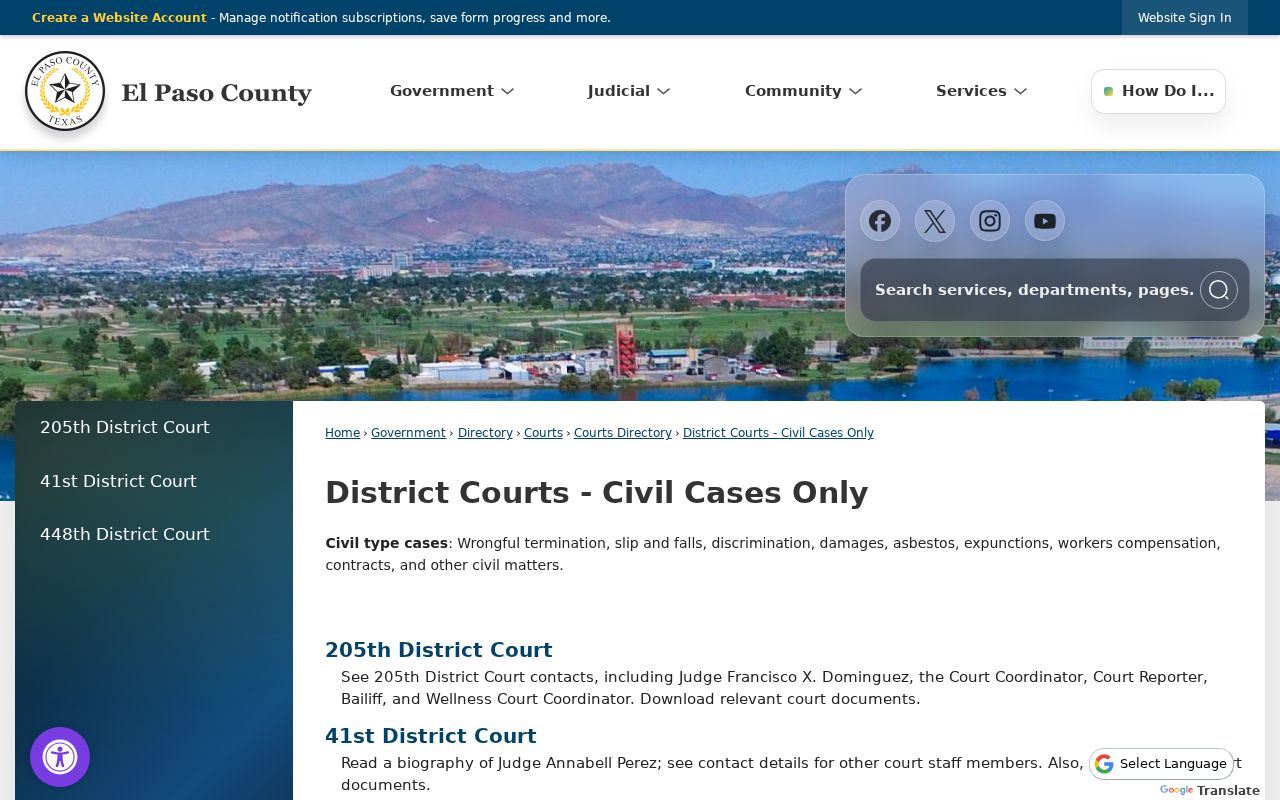
The case header, not the broad subject, tells you which court actually holds the register.
What a Civil Docket Shows
Read an El Paso County civil docket in six parts: header, parties and counsel, dated register, settings, judgment, and document or financial links. The case style only names the sides. It does not show who won. A filed motion does not mean the judge granted it, and a notice of setting is not the same as a signed judgment either. Treat each part as a clue, then check the later entries for what the court actually did.
| Header | Cause number, filing date, court, judge, type, style, and status. |
|---|---|
| Parties | Plaintiff or petitioner, defendant or respondent, other parties, and attorneys. |
| Case facts | Cause of action, service, answer, and jurisdiction details where shown. |
| Register | Petitions, motions, notices, orders, hearings, resets, trial, and appeal. |
| Result | Judgment, dismissal, nonsuit, default, or other exact disposition. |
| Later events | Abstract, writ, garnishment, costs, or appeal entries where available. |
The live portal presents its fields exactly as Odyssey displays them. Read them on the screen rather than from memory of another case.
El Paso Motions and Orders
A common reading error is treating a filed request as a ruling. On the El Paso County civil docket, find the motion first. Then look for a later signed order. The same discipline applies to a petition and judgment. Service and an answer show the case moved forward. They do not establish the final result.
- Motion
- A party’s request for the judge to act.
- Order
- The judge’s written ruling or direction.
- Nonsuit
- A plaintiff’s voluntary end to a claim, subject to governing law.
- DWOP
- Dismissal for want of prosecution when a case has not been moved as required.
- Default judgment
- A judgment after a required response or appearance did not occur.
CONT or reset marks a moved setting, not a dismissal. Give more weight to the newest dated order and final judgment than to an earlier notice.
Types of Civil Cases on the Docket
What shows up on an El Paso County civil docket depends on jurisdiction and subject. District and county-at-law registers can hold contract, injury, and property disputes. Other civil disputes appear there too. Family District Courts record divorce, SAPCR, and related matters where public access is allowed. Probate Courts take probate and guardianship. JP courts hear smaller civil claims and evictions. That authority is statutory.
| Case group | Likely court | Record route |
|---|---|---|
| Major civil claim | District Court | District Clerk and Odyssey |
| Statutory county civil | County Court at Law | County Clerk, Odyssey, assigned court |
| Family | Family District Court | District Clerk with access limits |
| Probate or guardianship | Probate Court | County Clerk Probate-Civil |
| Small civil or eviction | Justice Court | Assigned precinct clerk |
Justice Courts handle civil matters up to $10,000. Still confirm the current assignment, since transfers, appeals, and statutory rules can change which docket receives the case.
El Paso County Courts at Law
County Courts at Law 3, 5, 6, and 7 show how the county civil layer works. Each official page lists its own courthouse suite and a distinct coordinator line. Court at Law 3 sits in Suite 1001 at 915-273-3721. Court at Law 5 is in Suite 803 at 915-273-3707. Court at Law 6 sits in Suite 1106 at 915-273-3720. Court at Law 7 is in Suite 806 at 915-273-3735. The official 383rd District Court page shows how one El Paso County civil docket can carry court-specific rules and coordinator material of its own.
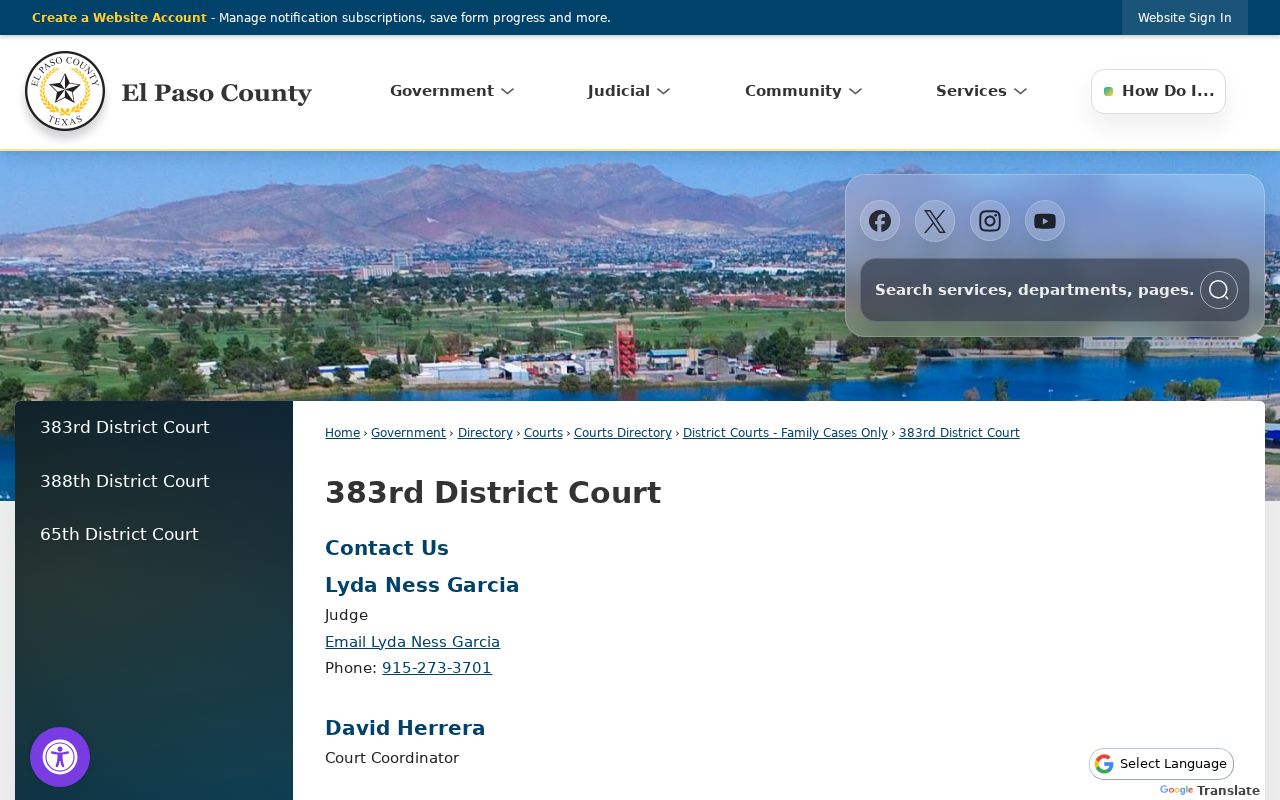
After the Odyssey register comes up, use the assigned court's page to confirm hearings and local orders.
Settings and Hearings on Civil Dockets
A civil setting may be a status conference. It may be a motion hearing, docket call, pretrial event, or trial. Odyssey has a separate Court Calendar area. It can search by attorney, case, judicial officer, or party or defendant name. Read that result alongside the El Paso County civil docket. A setting entry should show enough context to verify the date, court, and event type. When a date changes, the older entry may remain. Find the continuance or reset, then locate the newest notice. Court-specific pages publish coordinator contacts, standing orders, hearing request forms, and some remote-proceeding links. The coordinator can confirm a recent move that has not yet become clear in the public view. The full El Paso County court calendar workflow covers those checks in detail. Note: a calendar date schedules an event. It does not establish that a trial occurred or that the case reached judgment.
El Paso Civil Copy Channels
Getting a document is not the same as reading the docket. A petition, order, exhibit, or judgment may have no link. Copies then come from the District Clerk or County Clerk counter, a request form, a court coordinator, or a written records route. The District Clerk, Suite 103, 500 East San Antonio Avenue, holds district civil and family files. The office answers at 915-273-3534. The County Clerk sits in Suite 105. That office handles county civil and probate records at 915-273-3532.
Fill out the civil-probate request form. Include your details, the record type, a description, your copy choice, and how you want delivery. Give the cause number, the court, the document name or date, and say if certification is needed. County Clerk PIA instructions promise a response within 10 business days. That route is administrative only. It cannot defeat a court seal.
The district layer stays separate. The civil and family directory shows each court in its own place.
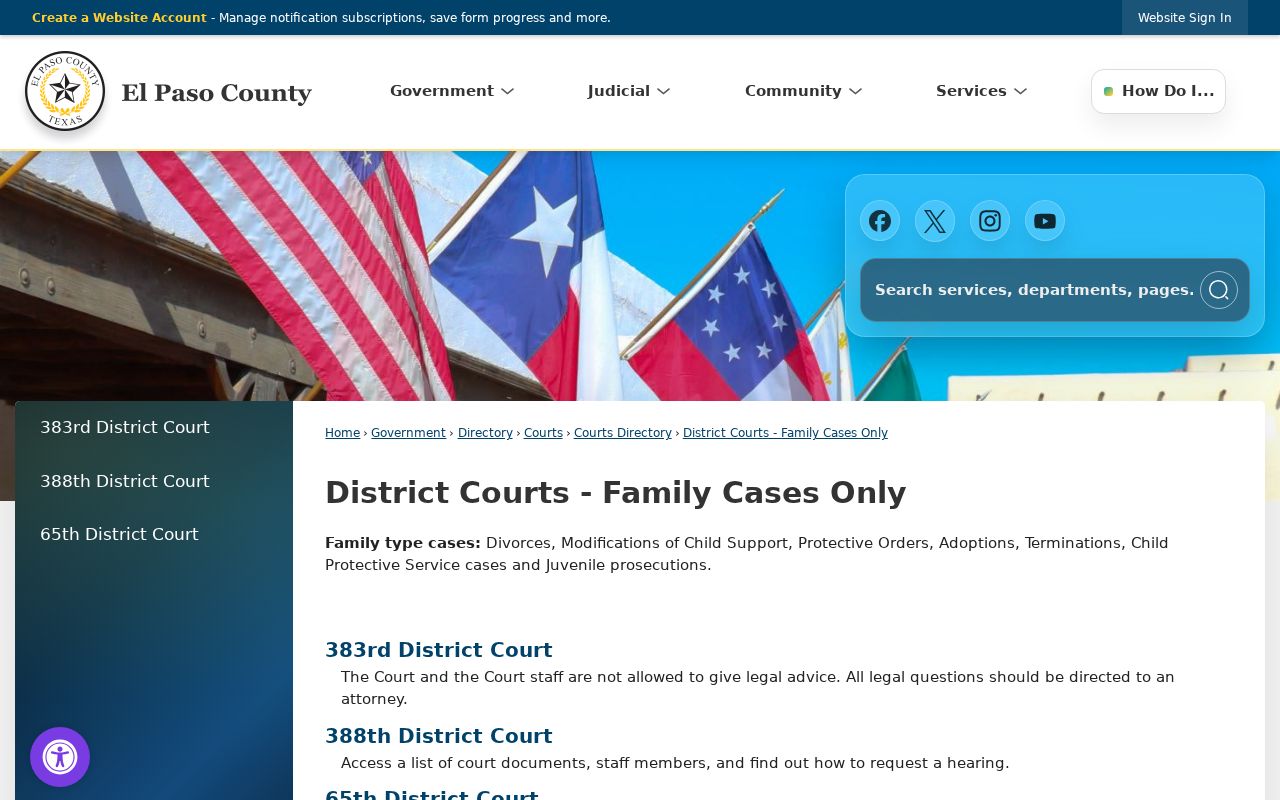
One warning saves time. A case in one of those courts belongs with the District Clerk, even when a County Clerk docket search looks like a sensible first stop.
Public Access to Civil Dockets
Who holds the record decides the rule. Texas courts and Judicial Branch agencies are different. They do not answer to FOIA or the Texas Public Information Act the way executive agencies do. For judicial records beyond case records, Texas Rule of Judicial Administration 12 controls. It leaves out material covered by procedural rules, statutes, and sealing law. Chapter 552 still applies when you request information from a county office.
Access limits: Rule 21c requires protection of sensitive identifiers. Family, juvenile, adoption, child-protection, and sealed material can have added limits. A visible case shell does not make every document public.
Sealing is governed by Rule 76a and by whatever statute or order applies. No clerk can override a judge's order. Remember that a redacted copy is not a sealed case, and certification does not waive a restriction. Ask what proof, motion, or order the office requires.
Finding El Paso Judgments
Work through the El Paso County civil docket in date order. Find the petition that opened the case, then service, the answer, motions, notices, and orders. The signed judgment or dismissal is what matters. Pin that entry down. Look past it for post-judgment items like an abstract, a writ, garnishment, or an appeal. A payment or cost field is not the ruling itself.
If the judgment image is missing, write down its docket date and title. Ask the correct clerk for that one item. Request a certified copy only when you truly need certification. It is a separate service. Odyssey is a research view. It promises nothing about every image being complete. The assigned court may hold local orders or hearing material the general search never shows.
The parties may live in El Paso County. That alone never turns a city or JP civil filing into a District Court docket. After any transfer or appeal, confirm both the originating cause and the receiving cause.
The official 210th District Court page shows what a named El Paso County court page offers. Expect standing-order and remote-proceeding material.
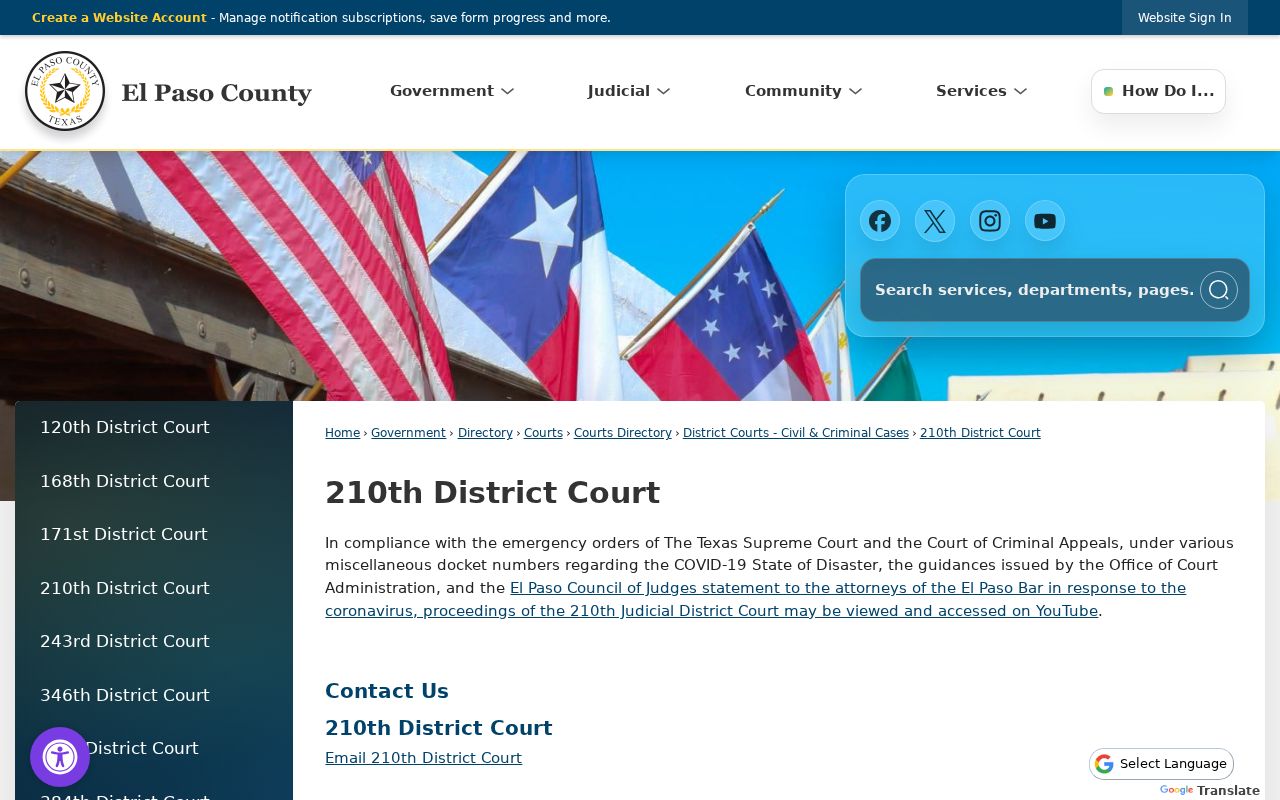
A court-specific source like that separates general Odyssey entries from instructions the assigned court itself issues.